

A polished website and timely conversations invite the right inquiries.
SMALL BUSINESS / BIG AMBITION
From first inquiry to repeat customer.
Bring customer conversations, CRM, booking and follow-up into one app for business operations. A digital worker can answer calls and messages, qualify a lead, book the appointment and prepare the follow-up. Your team picks up with the full conversation in front of them. We build it with you and brand it as yours.
Built with you. Branded for your business. Connected to the work behind the sale.
FIELDSTONE REALTYA home worth exploring.Ask a question. Find your next step.
 Class inquiry · Ready
SI
Showing inquiry preparedQuestion and preferred time · Team review next
Win the work
before a competitor calls back.
Forms and digital workers collect the details your team actually needs.
Appointments, estimates, proposals, and payment paths connect to the relationship.
Follow-up, campaigns, and staff tasks keep the next opportunity in view.
ONE INBOX FOR EVERY CUSTOMER
Your customers pick the channel. You keep one inbox.
Instagram DMs, Google reviews, calls, emails and texts all land in one place. The digital worker answers what it can, books what it should and flags anything that needs you.
- SocialInstagram and Facebook
- ReviewsGoogle Business
- PhoneAnswered 24/7
- EmailLeads and members
- TextTwo-way SMS
- Website chatOn every page
M
Unified inboxMile One Studio · every channel
36 today- JRJess RomeroInstagramDo you have beginner classes?Trial booked · Mon 6 PM
- KLKaren LeeGoogle review★★★★★ Coach Dana made my first class easy.Reply drafted
- MHMarcus HillPhone callCan I freeze my membership for a month?Owner review
- OPOlivia ParkEmailCorporate package for 12 people?Call · Thu 3 PM
- BOBen OrtizTextRunning late. Can I still join the 7:30?Answered
Answered or booked in seconds, even after hours.

What customers sent this weekFive customers, five channels
Mile One StudioShared inbox · every channel
- Jess RomeroInstagram · Sat 9:40 PMNeeds reply
Do you have beginner classes? I’ve never lifted.
- Karen LeeGoogle review · Sun 2:15 PMReply drafted
★★★★★ Coach Dana made my first class easy.
- Marcus HillPhone call · Mon 8:05 AMOwner review
Can I freeze my membership for a month?
- Olivia ParkEmail · Tue 1:12 PMCall · Thu 3 PM
Do you offer corporate packages for 12 people?
- Ben OrtizText · Wed 7:22 AMAnswered
Running late. Can I still join the 7:30?
Fictional customers and studio. Your hours, prices and approval rules are set with our team.
THE REAL ESTATE BUYER JOURNEY
An inquiry that stays connected.
Follow a buyer from a listing question to a digital worker’s prepared context and a brokerage-owned pipeline record.
Oakview listing / FieldstoneThe Oakview residence.
Spaces for the way you live and work.
Ask about this homeCould the back room work as an office?Preferred tour: Saturday afternoon

Fieldstone listing guideDigital worker · Web chat · Approved knowledge
Could the back room work as an office?
I can share the approved room details. Which tour time works for you?
Kept with the inquiry
- ✓Answered from approved property information
- ✓Home-office question kept
- ✓Saturday tour preference added
Brokerage pipeline
Oakview residenceHome-office question · Saturday tour preferred
New inquiryConfirm tour availabilityBrokerage team · Original question attached
Team review- 01Give the property a presence.
A branded listing makes the home tangible and gives a buyer a direct path to ask about the spaces that matter to them.
- 02Answer within the listing.
A listing digital worker uses approved property details, preserves the buyer’s home-office question, and asks for a preferred tour time.
- 03Make the next move visible.
The buyer inquiry reaches the brokerage pipeline with the original question attached. An agent can follow up after the team reviews availability.
Explore websites and apps Explore digital workers Explore the connected platform
A buyer journey can connect inquiry, contact context, and a brokerage-owned next step. The brokerage configures live listing information, availability, and approvals.
FIVE BUSINESSES / FIVE DISTINCT EXPERIENCESOne app.
One app.
Different ways to grow.
Five businesses, five different ways customers find them, ask and book. Same app underneath.
Fieldstone Realty / Real estate
01 / 05From a listing question to a showing your team can prepare.
A buyer explores a home, asks a specific question, and requests a tour. The agent keeps that context together for a person to review and follow up.
Willow House · Featured homeA place to make your own.
3 beds · 2 baths · 1,860 sq ft
Warm light, flexible living space, and a welcoming place to gather.
Ask about this homeRequest a tour
Buyer question
Could one of the rooms work as a home office? Is there a Saturday tour?
Digital workerLet me share the listed room details and prepare a tour request for the team.
Showing requestChoose a preferred window
Sat · AfternoonSun · Morning
Fieldstone reviews the question and confirms availability before scheduling.
Contacts · Pipeline
Willow House inquiryHome-office question · Saturday afternoon preferred
New inquiryFieldstone teamTeam-owned next step · No showing booked yet
Assigned- 01Explore the home
A photo-led listing gives the buyer details and a clear way to ask about the home.
- 02Ask a question
The SI agent uses approved listing details and preserves the buyer’s home-office question.
- 03Prepare a showing
A preferred tour time and the original question reach the brokerage team for review; no showing is booked here.
CAPABILITIES TOGETHER
Branded listingsSI listing agentLead recordShowing request
You set the prices, hours and approval rules. Anything you mark for review stays a draft until your team approves it.
Northline Home Co. / Home services
02 / 05From the first problem to a booked visit.
A homeowner describes the job. A digital worker prepares the service details, and the team reviews an estimate and appointment path.

Northline Home Co. · Service requestLet’s get the right help.
RepairMaintenance
What needs attention?Air conditioning isn’t coolingWhere?Residential homeJob preparationEstimate worksheet
Draft · Team review- ✓Service visitTo be priced
- ✓Materials and laborAfter inspection
- ✓Job notes and preferred contact channelAttached
Next available pathChoose a visit window
Tue · MorningWed · Afternoon
Staff confirm availability and pricing before the visit is booked.
Tasks · Today
Review service visitNorthline team · Job notes and visit window prepared
Review- 01Understand the job
The service request starts on a branded website or conversational channel.
- 02Prepare the estimate
The agent gathers the service, location, and job details for the team to price.
- 03Choose the next visit
Staff review the estimate and the configured calendar path before confirmation.
CAPABILITIES TOGETHER
Website & SI agentConditional intakeEstimate draftCalendar booking
You set the prices, hours and approval rules. Anything you mark for review stays a draft until your team approves it.
Brightline Studio / Professional services
03 / 05A better brief becomes a better engagement.
A prospective client shares the project, books a consultation, and arrives in a workspace with the brief already organized.

Brightline Studio / New projectTell us what you’re building.
A brand and website for a growing local business.
- ✓GoalMake the offer easier to understand
- ✓TimelineExploring a fall launch
- ✓ServicesBrand · Website · Content
ConsultationBring the brief into the meeting.
Oct 20 · 2:00 PMOct 21 · 11:00 AM
Scheduling depends on configured availability.
Contacts · New consultation
Website and brand projectBrief and preferred time connected
New inquiryStep 1Discovery
Step 2Scope
Step 3Team-approved proposal
Proposed engagementBrightline team · Team-owned next step
Review draft- 01Capture the opportunity
A prospect explains the project on the studio website.
- 02Plan the conversation
The intake turns into a consultation request with the right background attached.
- 03Start the project
The team reviews the proposal and creates a project path after the client agrees.
CAPABILITIES TOGETHER
Branded websiteProject intakeConsultation calendarCRM & tasks
You set the prices, hours and approval rules. Anything you mark for review stays a draft until your team approves it.
Mile One Studio / Fitness & wellness
04 / 05Turn interest in a class into a reason to return.
A visitor discovers a class, prepares a registration, and enters a follow-up journey the studio can review and personalize.
Mile One StudioMovement that meets you here.
This week at the studioBooking schedule
- Strength FoundationsCoach Dana · 6:00 PM · 45 minSelect
- Morning FlowCoach Riley · 7:30 AM · 50 minSelect
Registration pathFirst class inquiry
Session and visitor interest are prepared. Capacity follows the connected class schedule.
Calendars · Bookables
Strength FoundationsMonday · 6:00 PM · Capacity to confirm
Class / GroupWelcome follow-upEmail · Strength Foundations
Draft- ✓What to bring
- ✓Where to arrive
- ✓What to try next
Mile One teamReview availability and personalize the note
- 01Discover a class
The class page brings schedule, instructor, and format together.
- 02Prepare registration
The visitor chooses a session and the configured registration path.
- 03Keep the connection
The team sees the inquiry and can prepare a relevant follow-up.
CAPABILITIES TOGETHER
Class websiteSchedules & formsContact recordEmail follow-up
You set the prices, hours and approval rules. Anything you mark for review stays a draft until your team approves it.
Juniper Hall / Event venues
05 / 05From a date question to a proposal worth opening.
A host explores the venue, shares event requirements, and receives a tailored proposal after the team checks availability and terms.
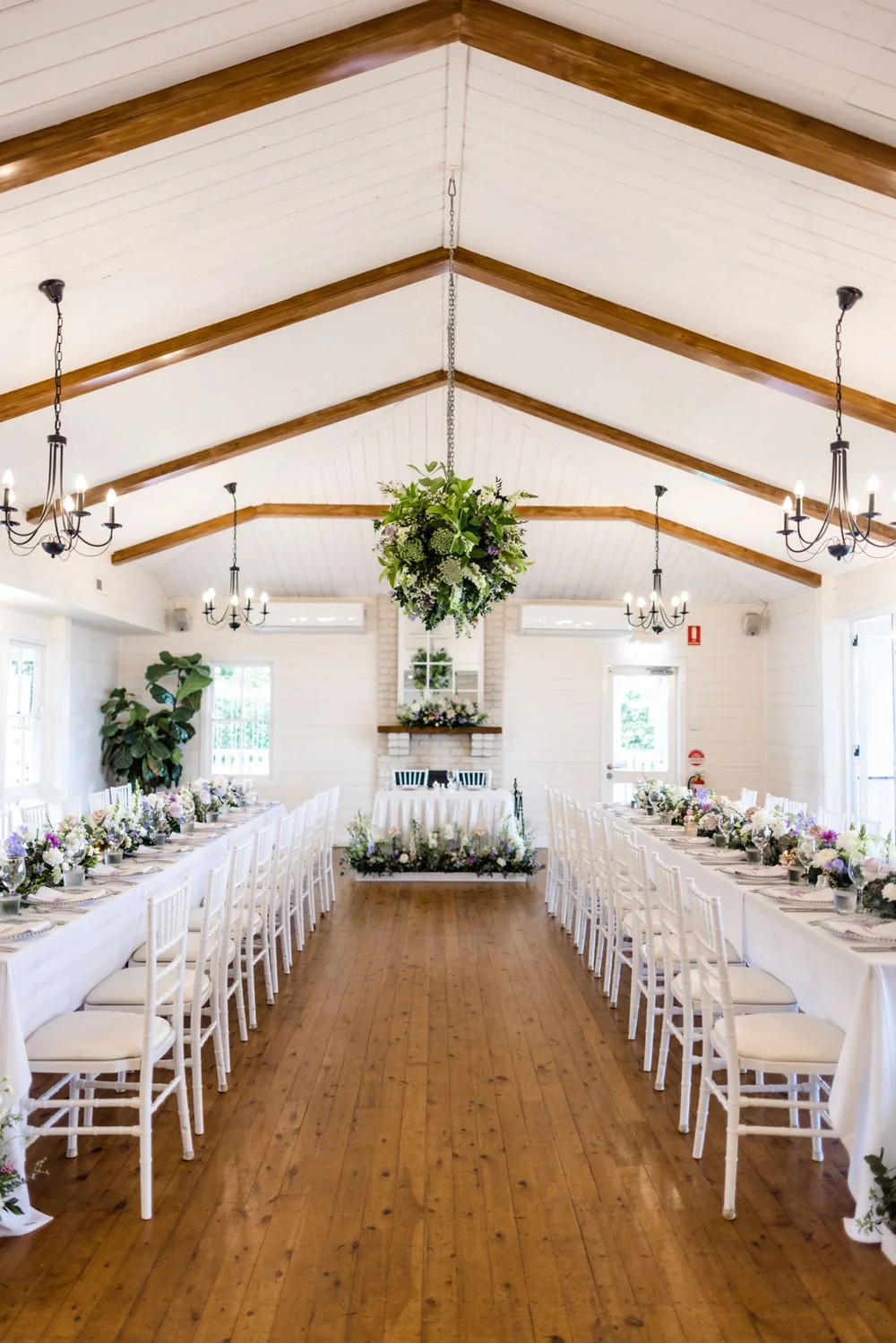
Juniper HallMake space for the occasion.
Events · Meetings · Celebrations
Ask about a dateSee the spaces
Event inquiryTell us about the day.
- ✓EventCompany gathering
- ✓GuestsApproximately 60
- ✓DateNovember 14
Proposal builder
- ✓Hall usePending team price
- ✓Room setupReception layout
- ✓Optional servicesDiscuss with host
Forms · Submissions
Company gathering60 guests · November 14 · Reception setup
Event inquiryProposal ready for venue-team reviewAvailability, final price, and terms are confirmed by staff before sending.
Juniper teamReview
- 01Explore the space
A photo-led venue page turns interest into a date inquiry.
- 02Shape the event
The intake gathers guests, layout, and services for the event team.
- 03Review the proposal
Staff review availability and pricing before a proposal is sent.
CAPABILITIES TOGETHER
Venue websiteDate inquiryProposal draftStaff review
You set the prices, hours and approval rules. Anything you mark for review stays a draft until your team approves it.
ONE CONNECTED BUSINESSThe tools you juggle today.
The tools you juggle today.
One login.
Your website, inbox, calendar, CRM and follow-up share the same customer record. Start with what you need now and switch on more as you grow.
CUSTOMER-FACINGWebsite & landing pagesSI conversationsForms & bookingProposals & paymentsFollow-up
TEAM-FACINGShared conversationsContact recordsWorkflow routingTasks & ownershipReporting
Ten connected functions shown. Review the tools you currently pay for to identify genuine consolidation opportunities; replacement depends on your setup.
Put a number on the busywork.
Add up what your customer journey costs today. Bring the totals to your guided demo and we’ll show what Whiteglove.SI replaces, with pricing.
SOFTWARE SPEND IN SCOPE—
What these tools cost you each year today.
STAFF TIME ON HANDOFFS—
Hours a month your people spend moving requests between tools.
ANNUAL COST OF THAT TIME—
Time you could put back into serving people.
Your figures stay in this browser. Pricing, and how much of this spend the platform can absorb, come from your guided demo.
YOUR BUSINESS, FRONT AND CENTERYour brand should travel
Your brand should travel
through the whole journey.
Our team can help build the site and custom application you need, then carry your identity into the assistant, forms, booking flow, follow-up, and workspace.
Explore websites, apps, and white labeling01 / WebsiteDiscover
Book a first class
02 / Digital workerConnect
Mile One assistantYour name, your voice
Want me to save you a spot on Monday?
03 / Service appConvert
Strength FoundationsMon · 6:00 PM
Booking
04 / TeamDeliver
Coach DanaWelcome follow-up
Draft
Let’s build your next
customer experience.
Bring the business goal. We’ll help map the right website, digital worker, and connected tools around it.
Book a guided demoHave a question about your next step?